CLOUDE TOOLS · E-COMMERCE TOOLS
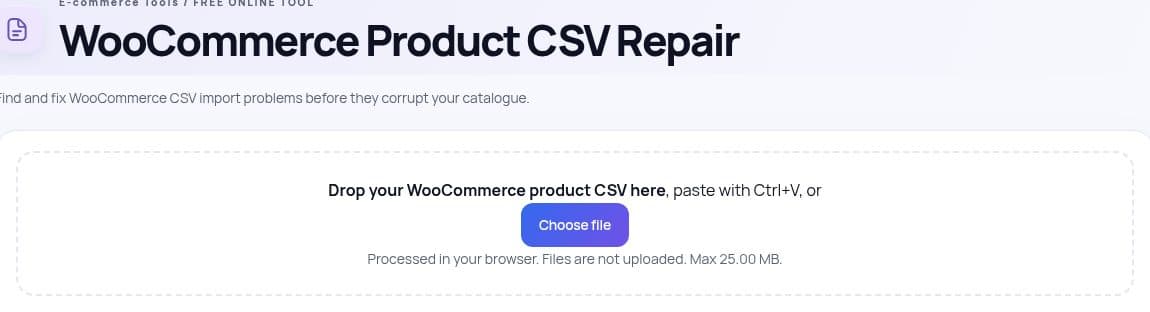
WooCommerce Product CSV Repair
Find and fix WooCommerce CSV import problems before they corrupt your catalogue.
HOW IT WORKS
How to use the WooCommerce Product CSV Repair
Upload your product CSV export (drag and drop or file picker).
Check the options under the input if the tool offers any.
Review the result below the form.
Copy the result or download it where a download button is shown.
Use “Load example” to see a representative input.
ADVANCED FEATURES
What the WooCommerce Product CSV Repair can do
- Delimiter, BOM and encoding detection
- Header mapping against WooCommerce's column names
- SKU uniqueness, numeric and price checks
- Variable ↔ variation relationship validation
- Error / warning / info severity with row and column
- Approve-each-repair before/after preview
- Repaired CSV, issue report and column mapping exports
- Formula-injection-safe exports
EXAMPLES & USE CASES
See it in action
- Cleaning a supplier feed before import
- Migrating from Shopify or Magento to WooCommerce
- Auditing a bulk price update file
Validation follows the standard WooCommerce product CSV format (the built-in importer). Extensions such as subscriptions, bookings or third-party importers add their own columns and rules, so a clean report does not guarantee a successful import with every extension. Maximum file size 25 MB.
DETAILED GUIDE
About the WooCommerce Product CSV Repair
Upload the CSV you plan to import into WooCommerce. The tool detects the delimiter, byte-order mark and encoding problems, checks that the header row contains the columns WooCommerce expects, and then validates every product row: product type, duplicate or missing SKUs, non-numeric prices, sale price higher than regular price, stock fields, category paths, image URL syntax and attribute consistency.
Variable products are checked against their variations: a variation must name a parent that exists (by SKU or id:) and a variable product without variations is flagged. Findings are classified as errors (import will fail or corrupt data), warnings (likely to behave unexpectedly) and information.
Repairs are deterministic and conservative — trimming whitespace, normalising decimal separators, fixing header capitalisation, standardising yes/no values — and each one is shown as a before/after diff that you accept or reject. The tool never invents products, prices, SKUs or images. Unknown and custom meta columns are passed through untouched. Everything runs in your browser.
FAQS & RESOURCES
Frequently asked questions
Does a clean report guarantee the import will work?
No. It means the file matches the core WooCommerce CSV conventions. Plugins can add their own requirements, and server limits can still interrupt large imports.
Will the tool change my prices or SKUs?
Never. It only proposes formatting repairs you can see and approve, such as removing a currency symbol it detected inside a price cell. Missing values stay missing and are reported.
How do variations link to parents?
WooCommerce uses the Parent column with either the parent's SKU or id:<ID>. The tool checks that every referenced parent exists in the file.
Is my product data uploaded?
No. Parsing and repair happen in your browser.
Is this tool free?
Yes. Cloude Tools is free to use with no sign-up.
Is my data uploaded to a server?
No. This tool runs entirely in your browser, so what you enter never leaves your device.
Does it work on mobile?
Yes. The tool is designed to be fully usable on a phone.