LEARN BY DOING
Guides, step by step.
Every guide walks through the real tool with screenshots taken from Cloude Tools itself, plus the limits worth knowing before you start.
- 6 illustrated guides
- Real screenshots
- Beginner friendly
Start with a guide
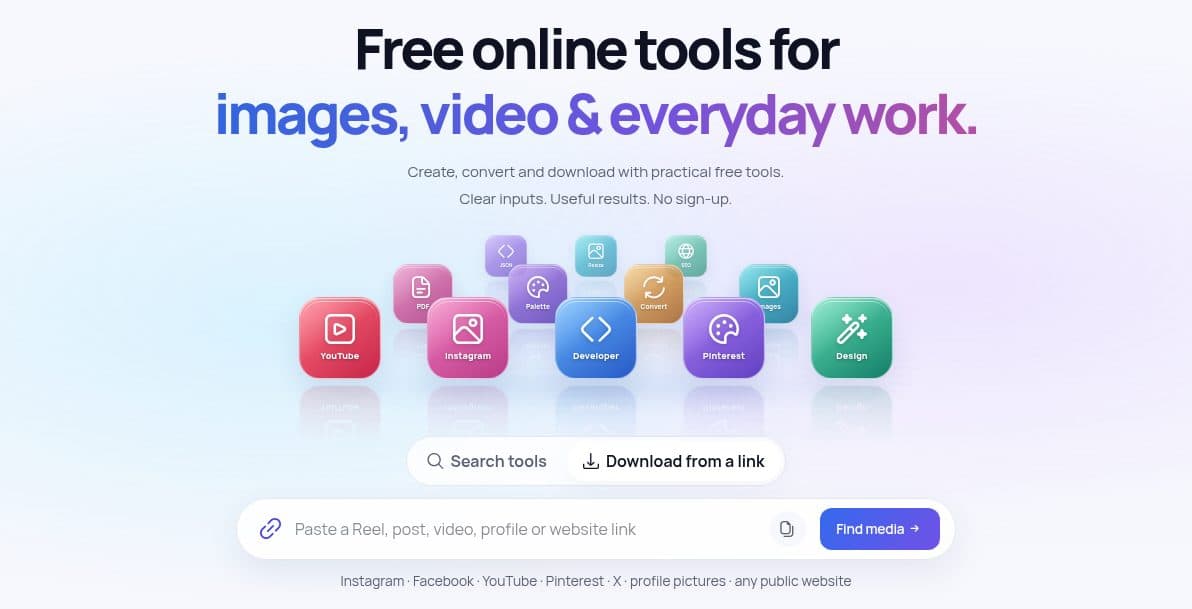 How to download a public Reel, video or post3 min · 6 steps
 How to save images and videos from any website3 min · 4 steps
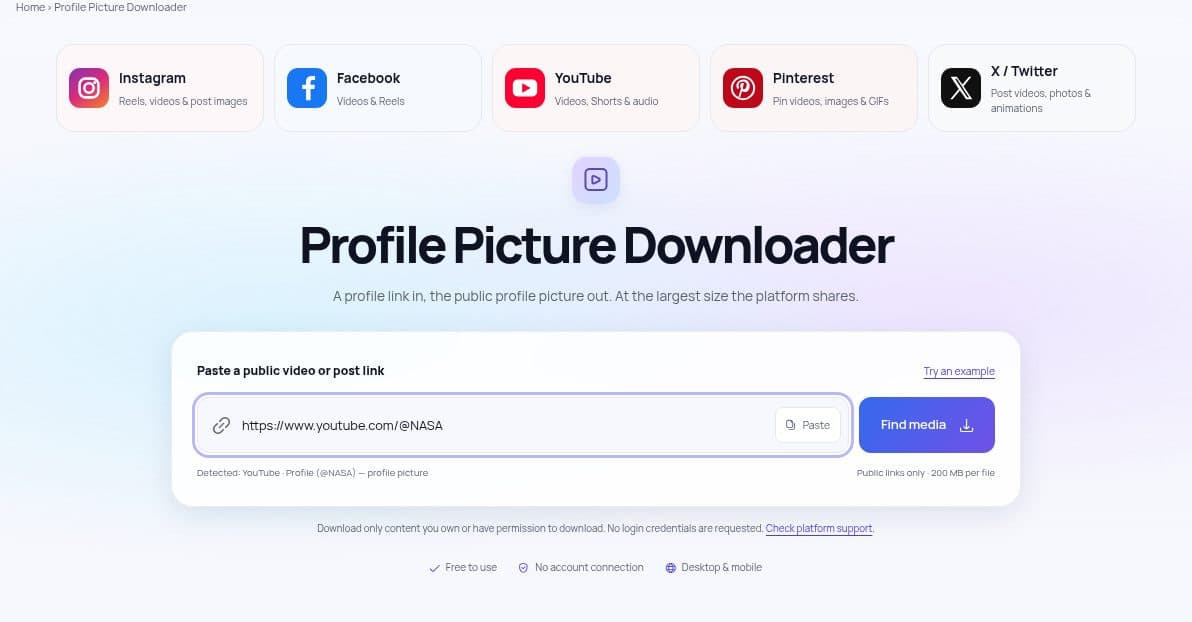 How to download a public profile picture (DP)2 min · 3 steps
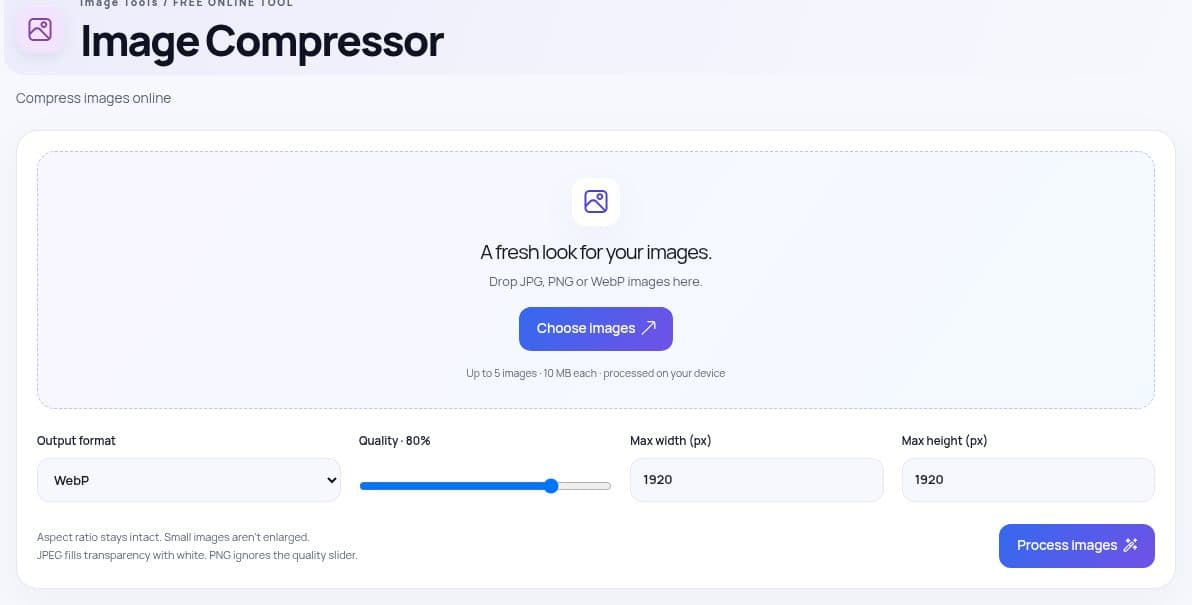 How to compress images without visible quality loss3 min · 3 steps
 How to fix WooCommerce product CSV import errors5 min · 3 steps
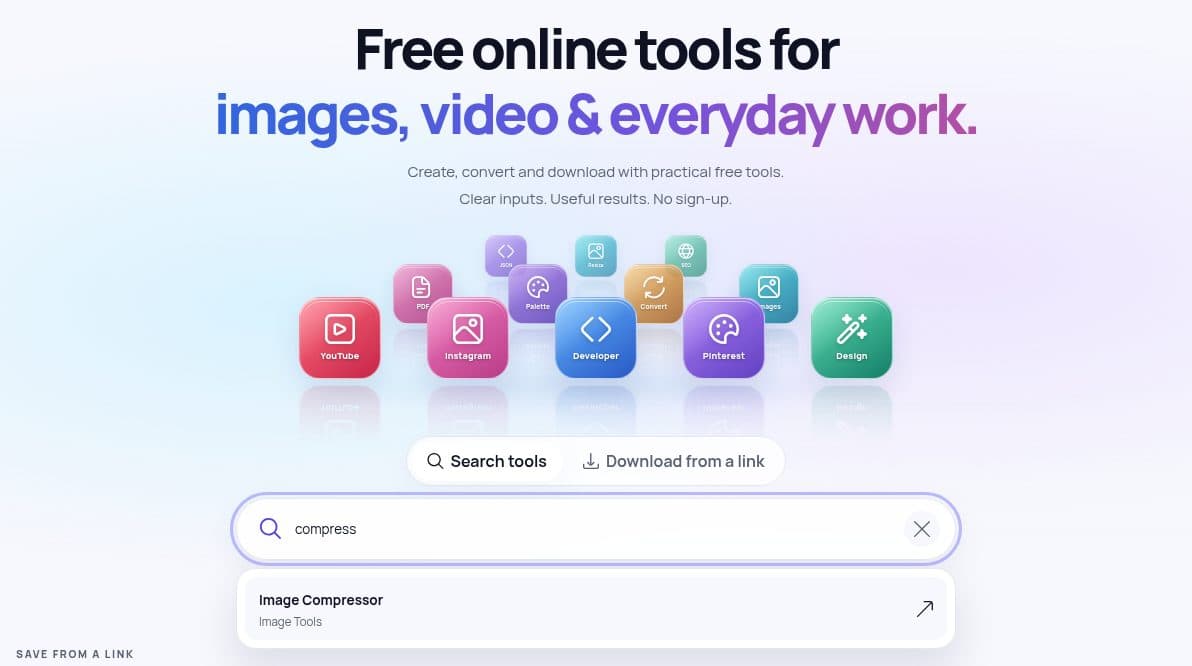 How to find the right tool fast1 min · 3 steps
- How to download a public Reel, video or postPaste one public link from Instagram, Facebook, YouTube, Pinterest or X, see what the source exposes, and save the file you need — no account connection.
- How to save images and videos from any websitePaste a public web page link to list every image, video and audio file it shows, preview them and download one or all as a ZIP.
- How to download a public profile picture (DP)Save the public profile picture of a YouTube, X, TikTok, Pinterest, Instagram or Facebook account from its profile link, at the largest size the platform shows.
- How to compress images without visible quality lossShrink JPG, PNG and WebP files in your browser, compare before and after, and download the results — files never leave your device.
- How to fix WooCommerce product CSV import errorsUpload a WooCommerce product CSV, see every error and warning with its row and column, accept safe repairs and download a corrected file and report.
- How to find the right tool fastUse the home search, the keyboard shortcut and categories to get to any Cloude Tools utility in a couple of keystrokes.