Shoot for an easy cut-out
- Use daylight from a window and avoid harsh flash.
- Place the product on a plain surface, away from the wall, so shadows do not merge with it.
- Fill most of the frame, but leave a little space around the edges.
Remove the background and add white
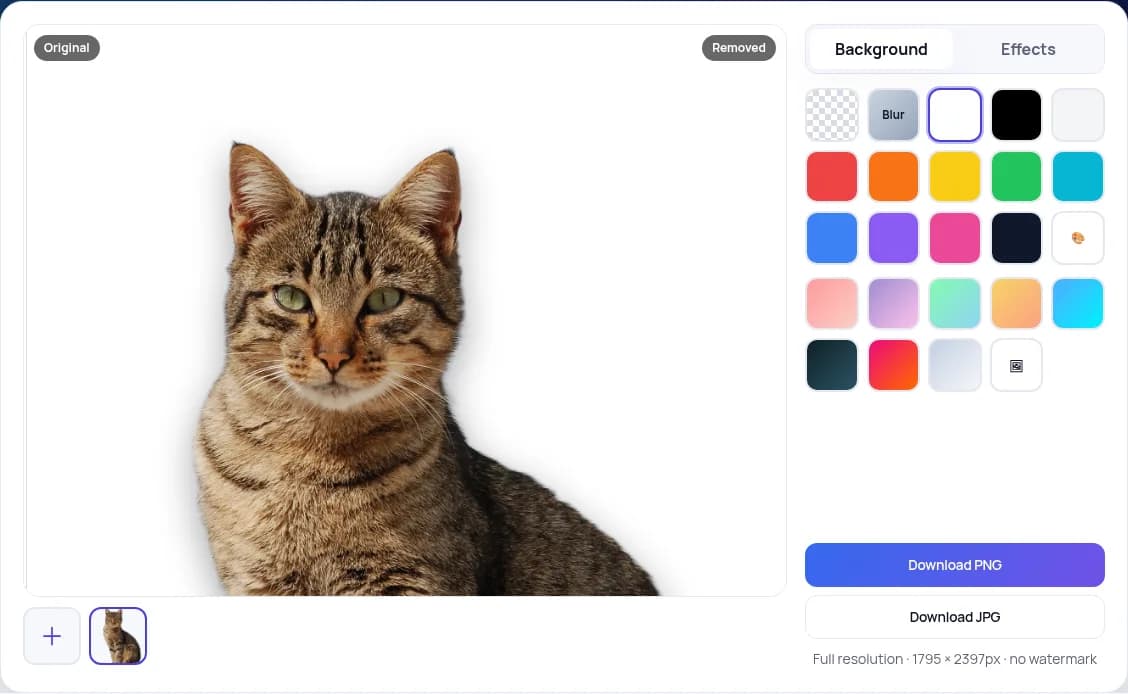
Upload the photo to the Background Remover, choose the white swatch and switch on Drop shadow in Effects. Download as JPG, because a white background does not need transparency and JPG files are much smaller.
Marketplace image requirements
Requirements change, so check each marketplace's current seller guidelines before uploading.
| Marketplace | Main image background | Recommended size |
|---|---|---|
| Amazon | Pure white (RGB 255, 255, 255) | At least 1000 px on the longest side for zoom |
| Shopify | Any, but consistent across the store | 2048 × 2048 px square works well |
| Etsy | Any; lifestyle photos allowed | At least 2000 px on the shortest side |
Resize and compress
Use the Image Resizer to make every image the same square size, then the Image Compressor to bring files under a few hundred kilobytes. Consistent sizes make collection pages look tidy and load faster.
Frequently asked questions
What background colour does Amazon require?
Main product images must have a pure white background, RGB 255, 255, 255.
Should I use PNG or JPG for product photos?
Use JPG for white backgrounds. Use PNG only when you need transparency.
Key takeaways
- Shoot in soft daylight on a plain surface.
- Remove the background, choose white and add a shadow.
- Export JPG, resize consistently, then compress.
Published 18 November 2026 by the Cloude Tools team.