Imports fail or quietly corrupt a catalogue when a CSV has duplicate SKUs, prices with currency symbols, broken variation parents or the wrong delimiter. The repair tool checks all of this in your browser before you import.
It never invents prices, SKUs or images. Only safe formatting repairs are proposed, and you approve each one.
Step by step
Upload your product CSV
Drop the export or supplier file on the upload area. Encoding, byte-order mark and delimiter are detected automatically.
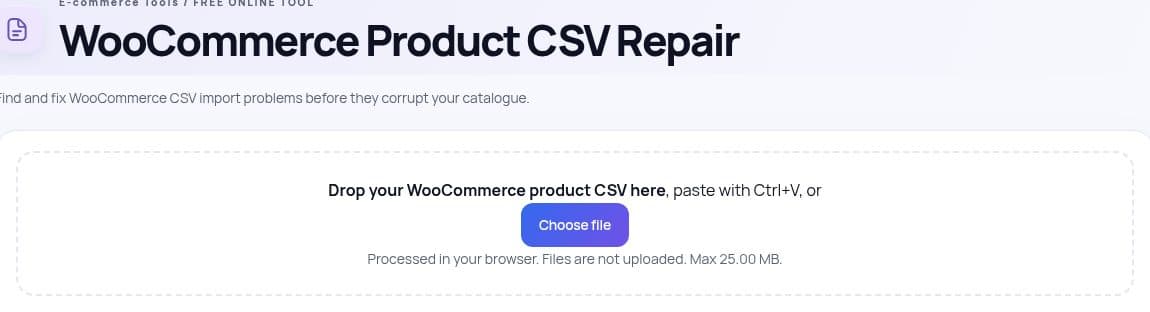
WooCommerce CSV Repair upload area Read the findings
Errors (the import will fail or corrupt data), warnings and information are listed with the row, column, explanation and a suggestion.
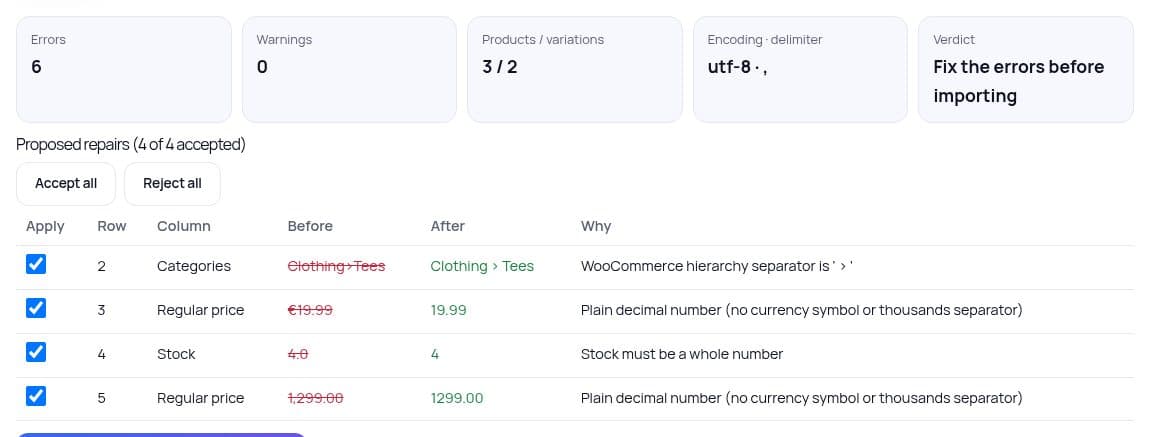
Validation summary with errors, warnings and a findings table Accept or reject repairs, then download
Each proposed repair shows the before and after value. Apply the ones you agree with and download the repaired CSV, the issue report and the column mapping.
Good practice
- Fix every error before importing; review warnings.
- Keep the original file — the tool always produces a new one.
Limits to know
- Validation follows core WooCommerce conventions; extensions can add their own requirements.
- Maximum file size 25 MB.
Questions
Is my product data uploaded?
No. Everything runs in your browser.
Will it fix missing prices?
No. Missing values are reported, never guessed.