Paste a profile link — not a post — and Cloude Tools fetches the profile as a signed-out visitor would, then offers the largest public avatar the platform exposes. When a platform offers several sizes they are listed separately.
Instagram and Facebook often require login just to view a profile. When they do, you get a clear message instead of a guessed image.
Step by step
Copy the profile link
Examples: youtube.com/@NASA, x.com/NASA, tiktok.com/@nasa, pinterest.com/nasa, instagram.com/nasa or facebook.com/NASA.
Paste it into the profile picture downloader
The link is detected as “Profile — profile picture”. Post or video links are sent to the normal downloader instead.
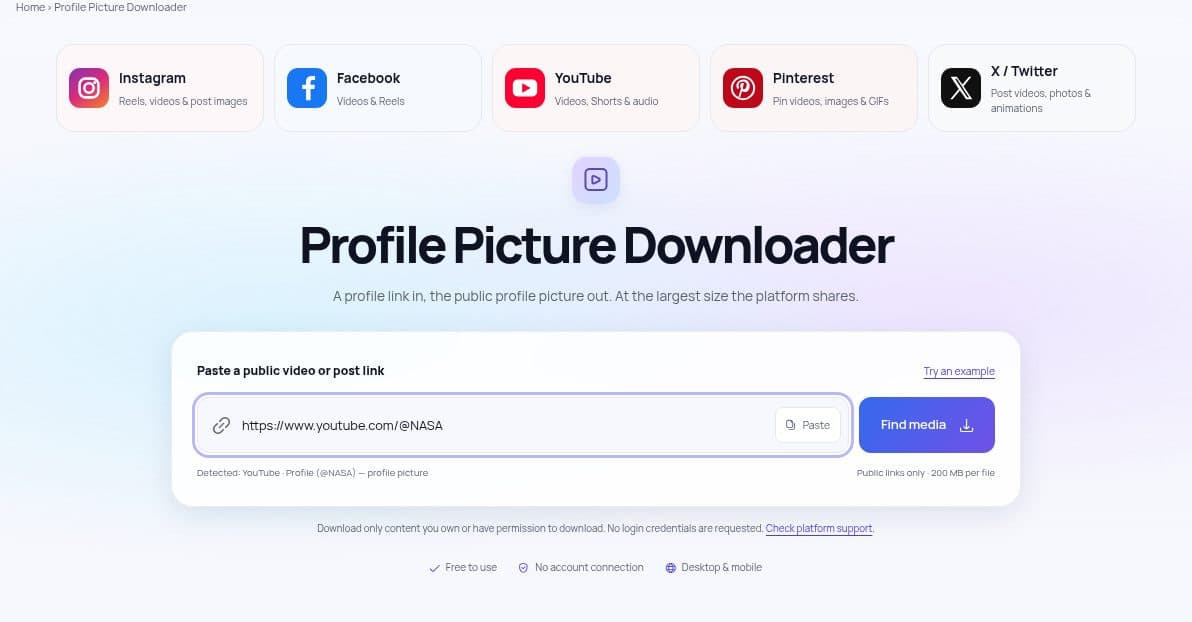
Profile picture downloader with a YouTube channel link pasted and detected Save the picture
Choose the largest available size and select Download. Use it in line with the owner’s rights and the platform’s terms.
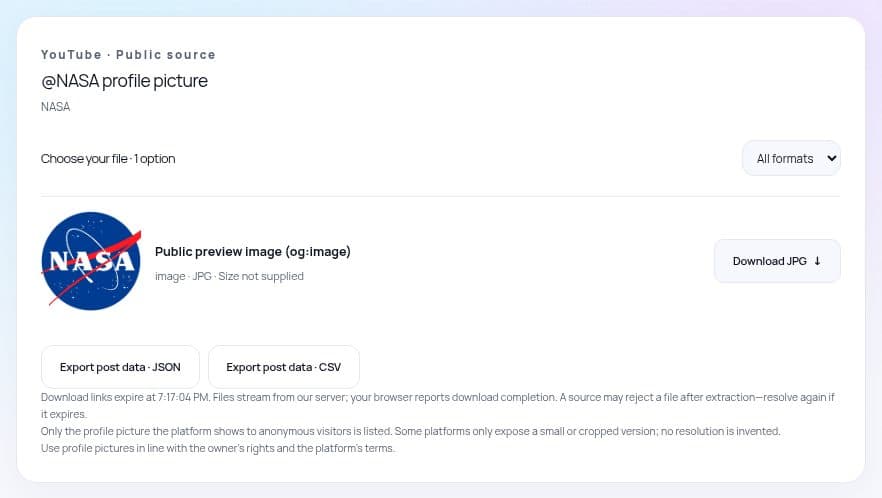
Profile picture result with a preview and download button
Good practice
- Profile pictures are personal images: use them respectfully and only where you have permission.
- If a platform only exposes a small version, that is the largest public copy.
Limits to know
- Private, restricted or login-only profiles are not supported.
- Stories and highlights are login-only and not supported.
Questions
Why does Instagram fail for some accounts?
Instagram frequently shows profiles only to signed-in users. We never sign in on your behalf.
Can I get the full-resolution original?
Only if the platform exposes it publicly. X, for example, often offers an original upload size; others provide fixed sizes.
Can I download Story highlights?
No. Stories and highlights are only shown to signed-in viewers.