Cloude Tools reads the public page behind a link the same way a signed-out visitor would, lists every file the source actually exposes, and lets you save one. It never asks for your password, cookies or account, so anything that is private or login-only stays private.
The screenshots illustrate link detection and the format picker; they are not a guarantee that the pictured source remains downloadable. YouTube may require verification, Facebook may require login, Instagram may expose only a cover, and X extraction remains unverified. Check the platform support page and the actual result before expecting a video file.
Step by step
Copy the public share link
Open the post in the app or browser and use Share → Copy link. Links that contain the post or video ID work best, for example youtube.com/watch?v=…, instagram.com/reel/…, facebook.com/reel/…, pinterest.com/pin/… or x.com/user/status/….
Private accounts, close-friends posts and Stories are login-only and cannot be fetched.
Use the download box on the home page
The box at the top of the Cloude Tools home page is ready for a link — “Download video & Reels” is selected by default. The box detects supported post, Reel, video and public webpage URLs. Detection does not establish that a file is available; profile and login-only workflows have additional limitations.
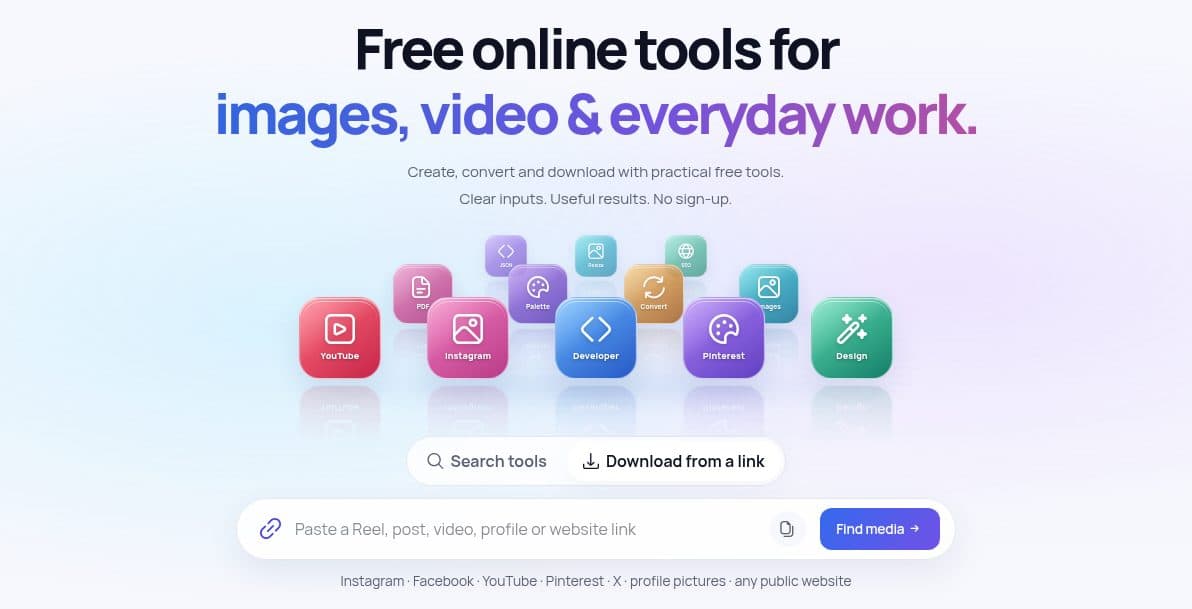
Cloude Tools home page with the download box ready for a link Paste the link and check what was detected
As soon as you paste, the platform and content type are shown under the field — for example “YouTube · video” or “Instagram · Reel”. If the link is a Story or an unsupported page you are told why before anything is fetched.
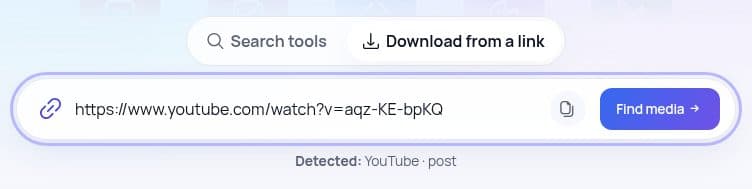
Link box showing the detected platform and type for a pasted YouTube link Press Download
Select Download. You are taken to the matching downloader, which asks the source for its public formats. Wait for an actual result or a source-specific error. Network conditions and provider checks vary; a recognized link can still be unavailable.
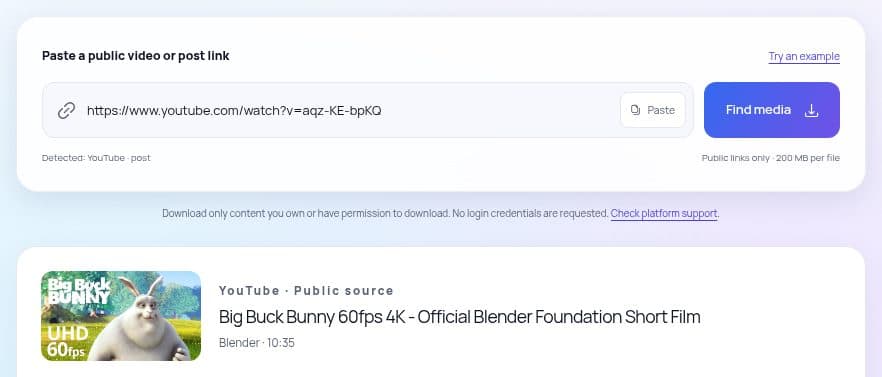
Downloader results listing the title and available formats Pick a format and download
Each option shows the real type, resolution and whether it includes sound. Choose a file with sound for normal playback, or filter to Audio or Images. Download links are temporary (about five minutes); if one expires, select Find media again.
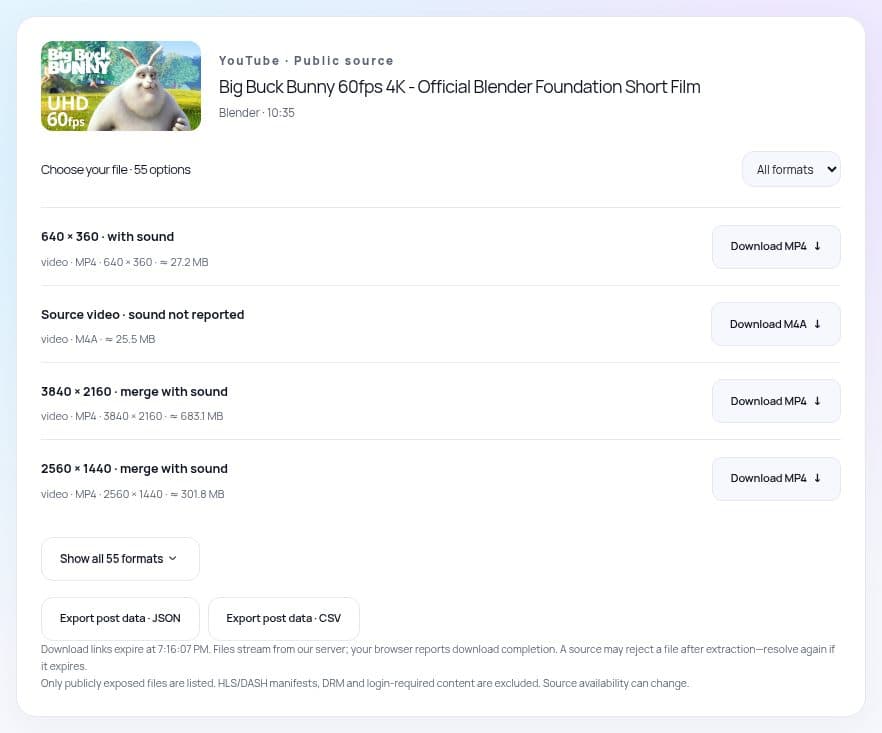
Format list with resolution, sound labels and download buttons “Merge with sound” combines a separate video and audio track on our server; it can take up to two minutes for long videos.
Export the public details (optional)
Export post data saves the public title, author, duration and the list of formats as JSON or CSV — useful for research or archiving. Temporary download links are never included in the export.
Good practice
- Only download content you own or have permission to save.
- Prefer the format labelled “with sound” unless you only need audio or a silent clip.
- If a platform starts requiring login for a post, the tool tells you instead of returning a placeholder.
Limits to know
- YouTube verification restrictions, Facebook login requirements and unavailable X extraction are not bypassed.
- Instagram results may contain only a cover; a preview image is not a downloadable video.
- Stories, private profiles and login-only posts are not supported.
- TikTok downloads are disabled: the source rejected anonymous file transfers in our tests.
- Some formats exceed 200 MB or are stream-only (HLS/DRM) and are not offered.
Questions
Does a public link guarantee a downloadable video?
No. A public post may still require verification or expose only metadata or a cover. Review the returned file type and the platform support page; an image result is not a video.
Can I save a result on iPhone or Android?
When an actual file is available, use its Download action and check the browser downloads or Files app. Saving to Photos or Gallery depends on the device, browser and supported file format; no app installation or account connection is required by this tool.
Do I need an account?
No. Cloude Tools never asks for or uses your social media login.
Why does it say the source requires login?
The platform did not show that post to a signed-out visitor. That is the platform’s access control, and we don’t bypass it.
Is there a watermark?
The tool does not intentionally add a watermark. A watermark already present in a source file remains; the tool does not promise watermark removal.
Why did my download link stop working?
Links expire after about five minutes for privacy. Select Find media again to refresh them.