The website media downloader reads a public page once over HTTPS and collects the media it references: regular and lazy-loaded images (picking the largest srcset size), video and audio sources, video posters, Open Graph preview images, structured-data media and CSS background images. Many video sites are also checked with a maintained player extractor.
It works with any public site, including news, shops, portfolios and video sites. Pages behind a login or paywall, content added later by scripts, and DRM or streaming-only video cannot be collected.
Step by step
Copy the page address
Copy the full URL of the page from your browser’s address bar. A direct link to an image or video file also works.
Paste it into the website media downloader
Open Any website from the Downloaders row on the home page, or paste the link into the home page link box — it is detected as “Website”.
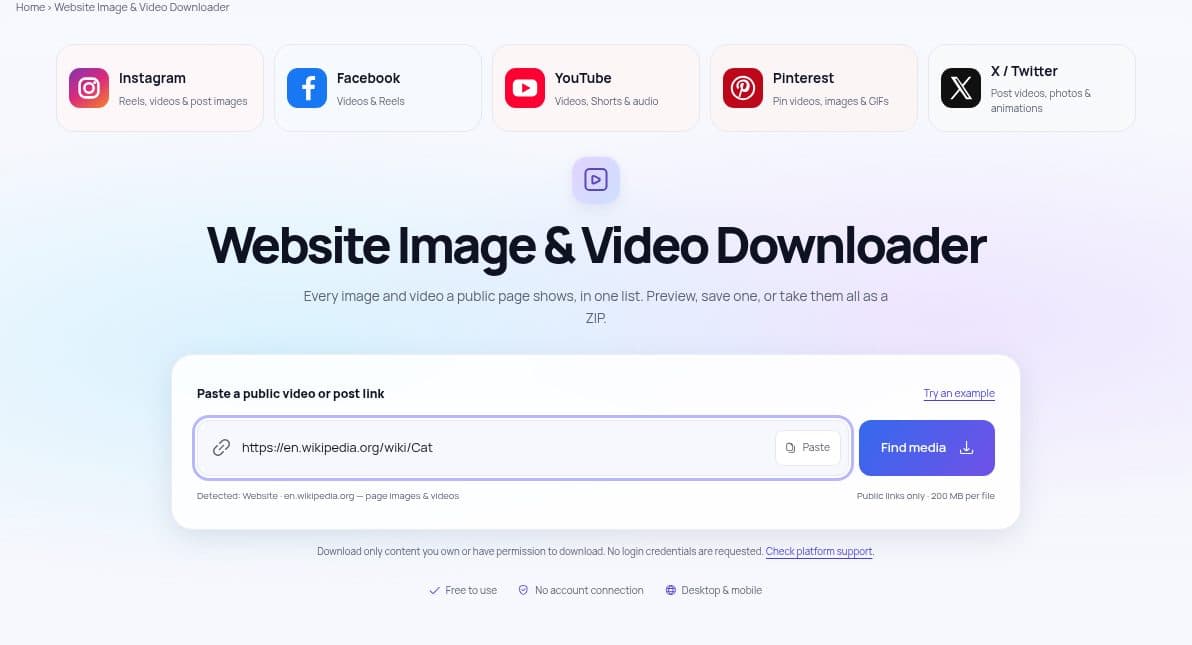
Website media downloader with a page URL pasted Review what the page exposes
Every file is listed with its type and where it was found on the page (image, largest srcset image, video poster, page preview image…). Image previews load through Cloude Tools so the site never sees your IP address.
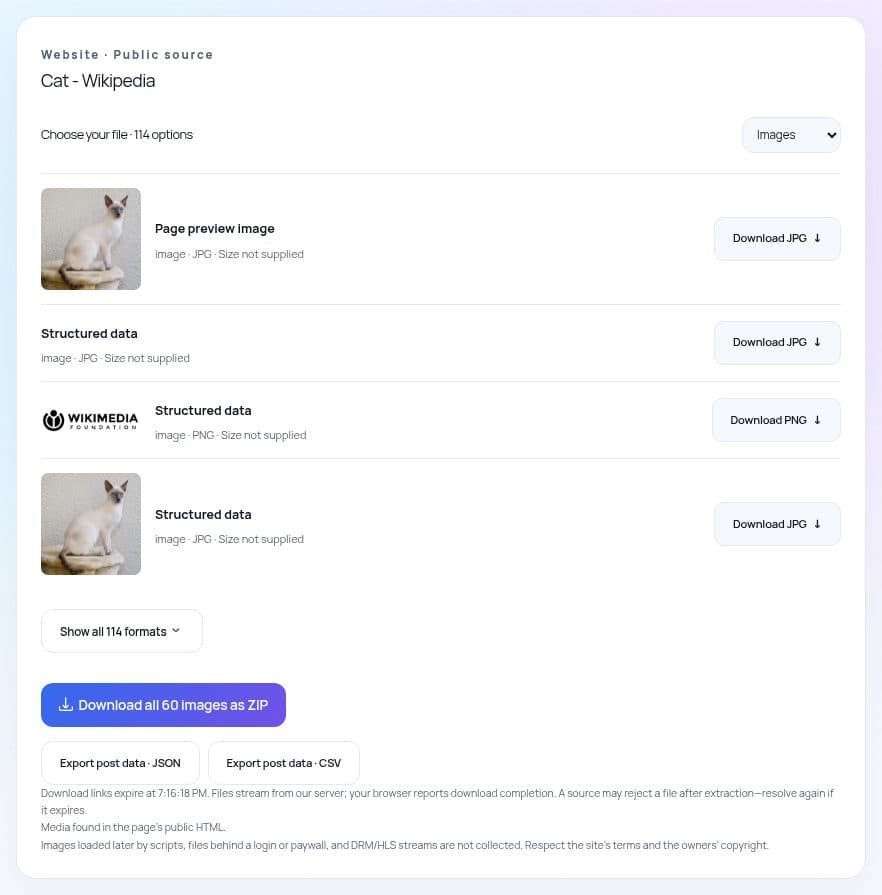
List of images found on a public web page with previews Download one file, or all images as a ZIP
Use Download next to any file, or Download all images as ZIP to collect up to 60 images (200 MB) in one archive. Files that the site refuses to serve are reported, not silently skipped.
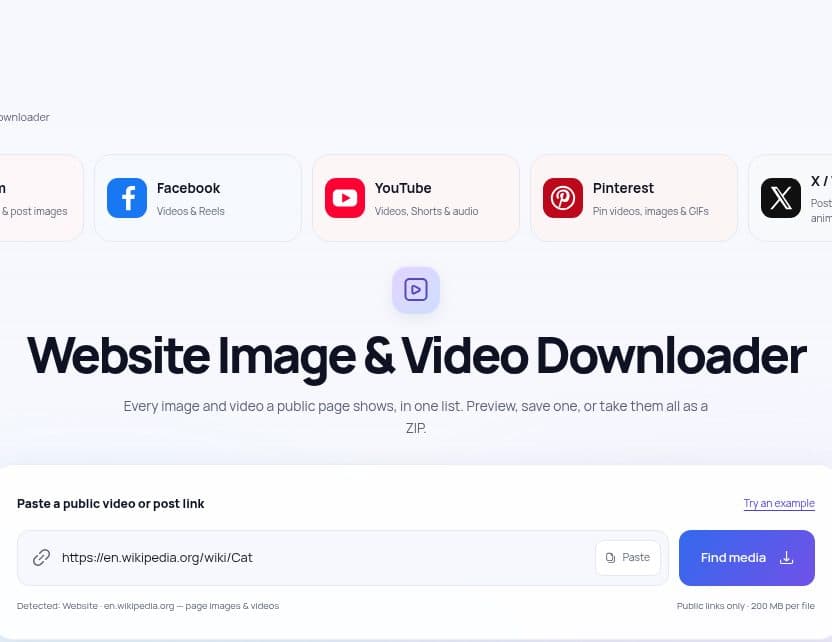
Download all images as ZIP button and progress status
Good practice
- Respect the site’s terms and the creators’ copyright; download only what you may use.
- Use the Formats filter to show only Images or Video when a page has many files.
- If a gallery loads its images with scripts, open the image itself and paste its direct link.
Limits to know
- Private, internal-network and IP-address links are refused for safety.
- Only HTTPS connections are made; plain-HTTP links are upgraded.
- Login, paywall, CAPTCHA and bot-protected pages are not bypassed.
Questions
Does it work on every website?
It can find exposed media on supported public HTTPS pages, but public access alone does not guarantee extraction. Login, bot checks, missing file URLs and JavaScript-only galleries can prevent results.
Why are some images small?
We pick the largest size the page lists. If the site only offers a thumbnail, that is what exists publicly.
Can it download streaming video?
Not HLS/DASH-only or DRM streams. Direct MP4/WebM files and supported video players are listed.
Is anything stored?
No. Results expire after about five minutes.