Cloude Tools has many utilities across images, PDFs, developer work, SEO, calculators, e-commerce and media. Three shortcuts get you to any of them quickly.
Step by step
Search from the home page
Start typing what you want to do — “compress”, “JSON”, “Reel”, “PDF”. Matches appear instantly; use the arrow keys and Enter.
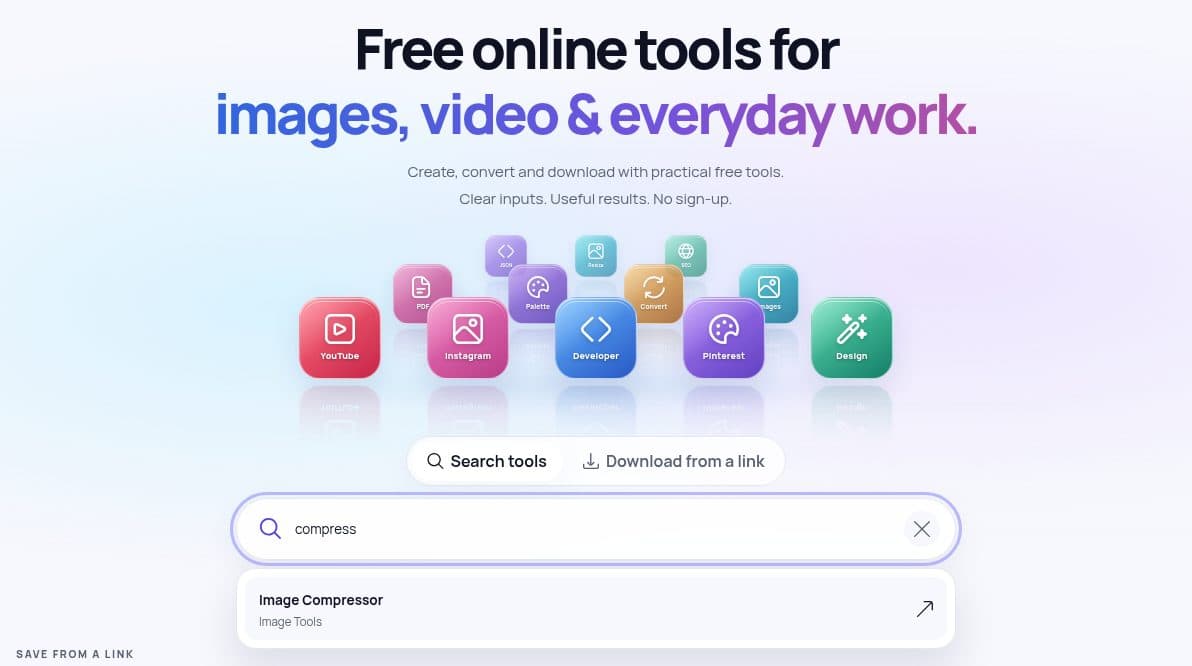
Home search showing matching tools for a typed query Use Ctrl+K anywhere
Press Ctrl+K (⌘K on Mac) on any page to open quick search without leaving what you’re doing.
Browse by category
Downloaders sit directly below the search, followed by categories such as Image, Developer, PDF, Calculators and SEO.
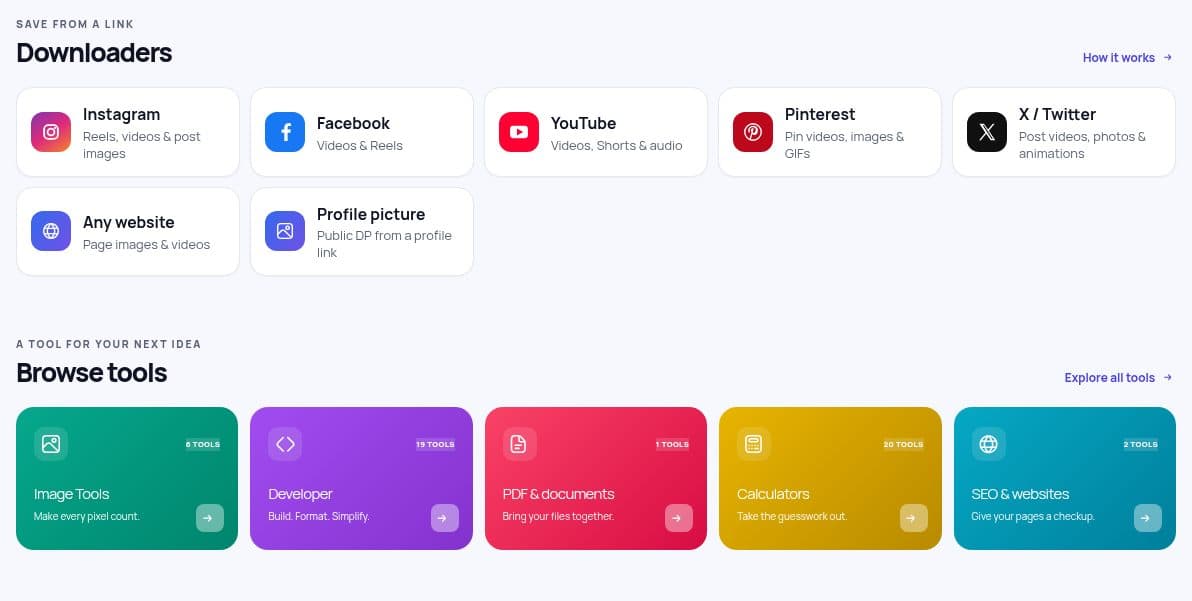
Downloaders row and category tiles on the home page
Good practice
- Bookmark the tools you use most; recent tools are remembered in your browser.
Questions
Do I need an account?
No. Every tool works without sign-up.